
DBD Twitch Drops
Complete guide to Dead by Daylight Twitch Drops. Earn exclusive cosmetics, charms, and rewards by watching your favorite DBD streamers.
What Are Twitch Drops?
Twitch Drops (also called Twitch rewards) are exclusive in-game rewards that you can earn by watching Dead by Daylight streams on Twitch. Behaviour Interactive partners with popular DBD streamers to offer unique cosmetics, charms, banners, and badges that you can't get anywhere else. Check the active DBD Twitch rewards schedule below to see what you can earn this month.
Active Twitch Drops
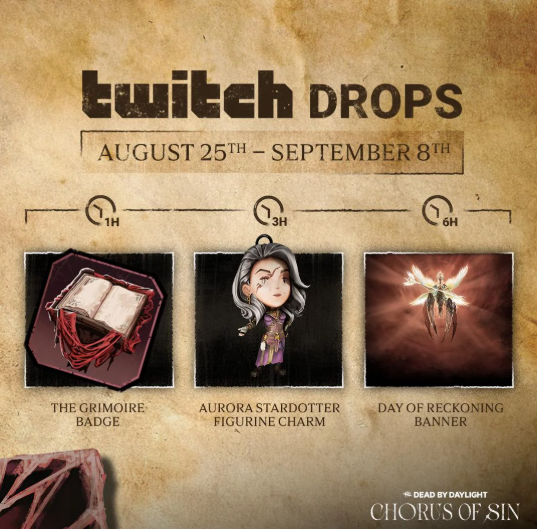
October of Horror Video Store Twitch Drops
Earn 4 exclusive Halloween cosmetics throughout October by watching eligible Dead by Daylight streams on Twitch!
How it works: Link your Twitch and Behaviour accounts, watch eligible Dead by Daylight streams during each drop window, then claim each reward in your Twitch inventory. Rewards are delivered to your in-game mailbox.
Reward Schedule
| Date Range | Reward | Type | Watch Time |
|---|---|---|---|
| Oct 1 to 11 | Corvidicus Malificus | Charm | 1 Hour |
| Oct 12 to 18 | Kite-Flying Fright | Banner | 1 Hour |
| Oct 19 to 25 | Fanged Flier | Badge | 1 Hour |
| Oct 26 to Nov 1 | Smile, Pumpkin | Banner | 1 Hour |
1. Link Your Twitch & Behaviour Accounts
To earn Twitch Drops, your Twitch account must be linked to your Behaviour Account. This lets Twitch send your watch time to Behaviour and deliver rewards to your Dead by Daylight mailbox.
- 1Sign in to Behaviour
Go to account.bhvr.com and log in. - 2Open Connections
In the side menu, click Connections. - 3Connect Twitch
Click connect and approve Twitch permissions. - 4Confirm it's linked
Check that Twitch is showing in the “Linked accounts” section.
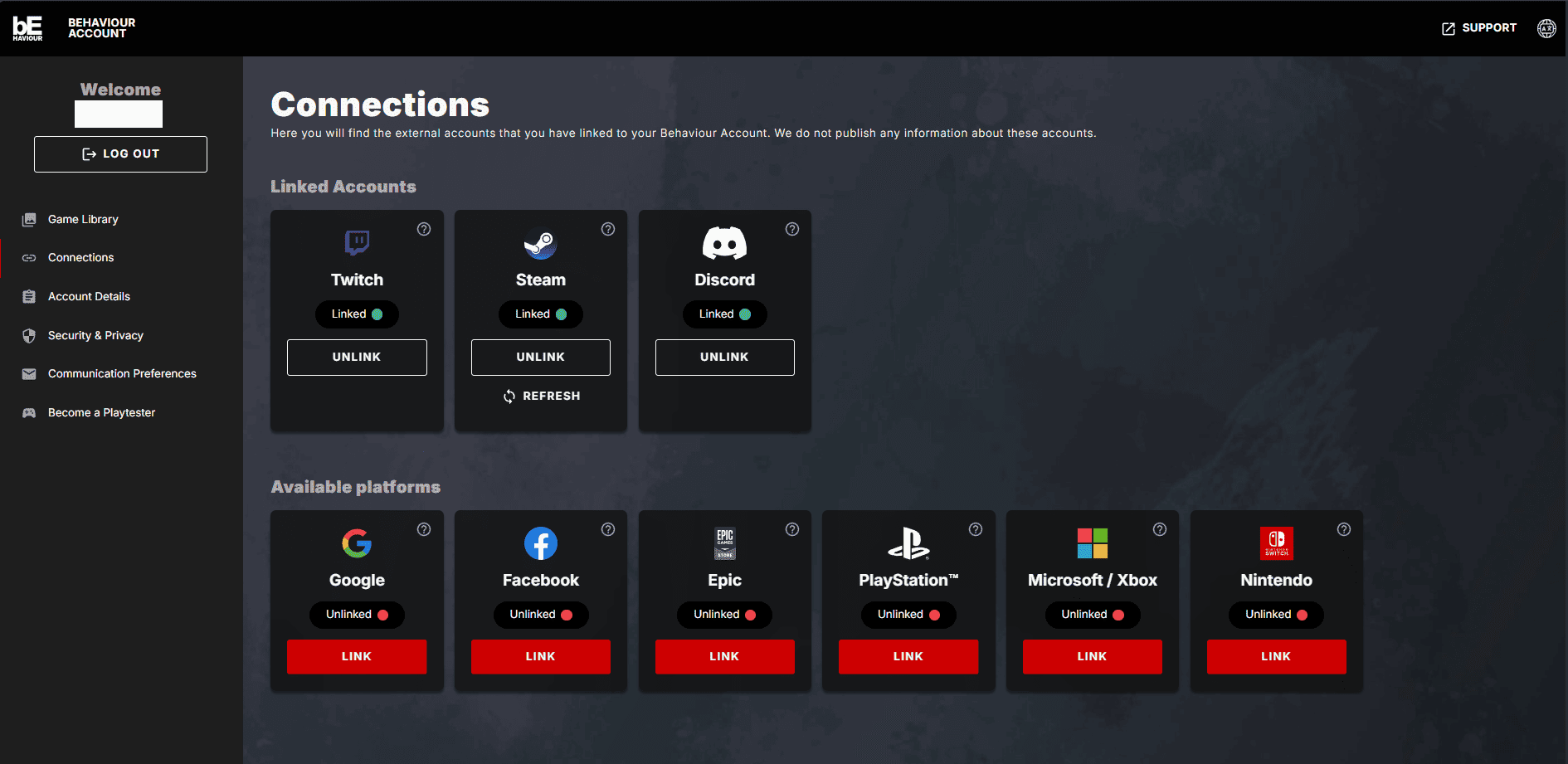
Official references: account.bhvr.com · official Twitch Drops guide.
2. Earn & Claim Twitch Drops
After your accounts are linked above, follow these steps during an active drop event:
- 1Watch Participating Streams
Tune into official or partnered Dead by Daylight streams during drop events. - 2Earn Watch Time
Watch for the required time for each drop (this event: 1 hour per reward). - 3Claim Your Rewards
Click “Claim” in your Twitch Drops inventory once earned. - 4Check Your Mailbox
Log in to Dead by Daylight and check your in-game mailbox.
Related Dead by Daylight Guides
- Free Iridescent Shards - claim free Behaviour Account rewards.
- DBD Email Rewards - newsletter-exclusive cosmetics.
- Bloodpoints Calculator - estimate BP earnings.
- Farming Bloodpoints Guide - faster BP farming tips.
- Vic Viper Charm - unlock the Konami code charm.
Frequently Asked Questions
Do I need to watch live or can I watch VODs?
Twitch Drops usually require watching live streams. VODs typically do not count toward drop progress.
Why didn't I receive my reward?
Make sure you claimed the drop in your Twitch inventory and that your accounts are linked. Rewards can take some time to appear, so wait a bit and check your in-game mailbox. If it still hasn't shown up after a while, contact Behaviour Interactive support for help.
What Twitch rewards are active for DBD right now?
This month's active DBD Twitch rewards include Corvidicus Malificus (Charm), Kite-Flying Fright (Banner), Fanged Flier (Badge), and Smile, Pumpkin (Banner). Each requires 1 hour of watch time on eligible Dead by Daylight streams.
Can I earn drops on mobile?
Yes, as long as you are logged into Twitch and watching a participating stream, progress can count.